
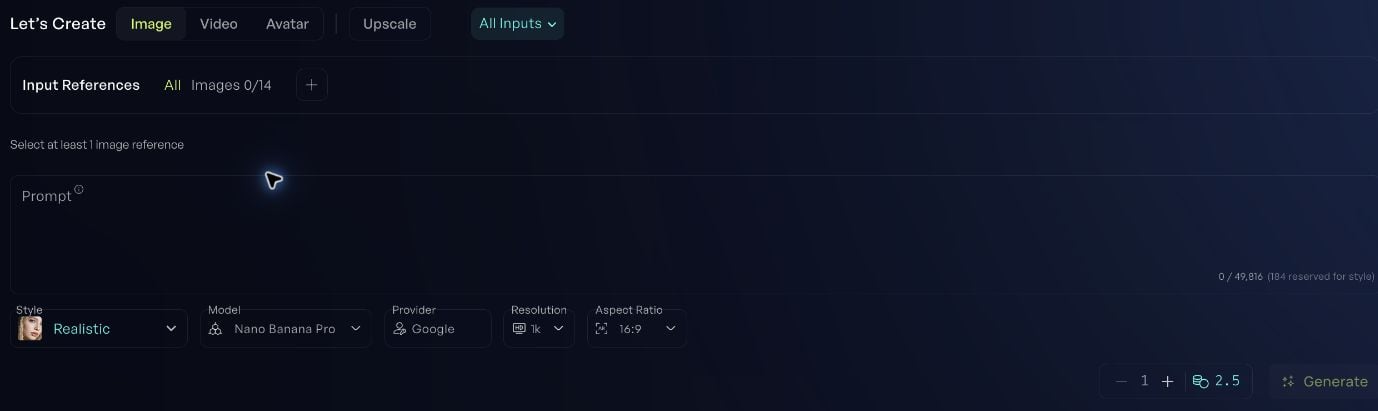
Set up the generation
- Choose Image, Video, Avatar, or Upscale.
- Choose the use case that matches what you want to do.
- Add the required inputs. Some models use text; others require images, video, or audio.
- Write the prompt.
- Review Style, Model, Provider, and the settings available for that model.
- Check the quantity and credit cost, then choose Generate.
Write a useful prompt
Start with what must be in the result, then add the details that matter.Close-up of coffee pouring into a white ceramic cup on a wooden counter. Soft morning window light. Keep the background simple and leave space above the cup for a headline.For video, describe the movement too. Keep the first attempt focused on one action.